
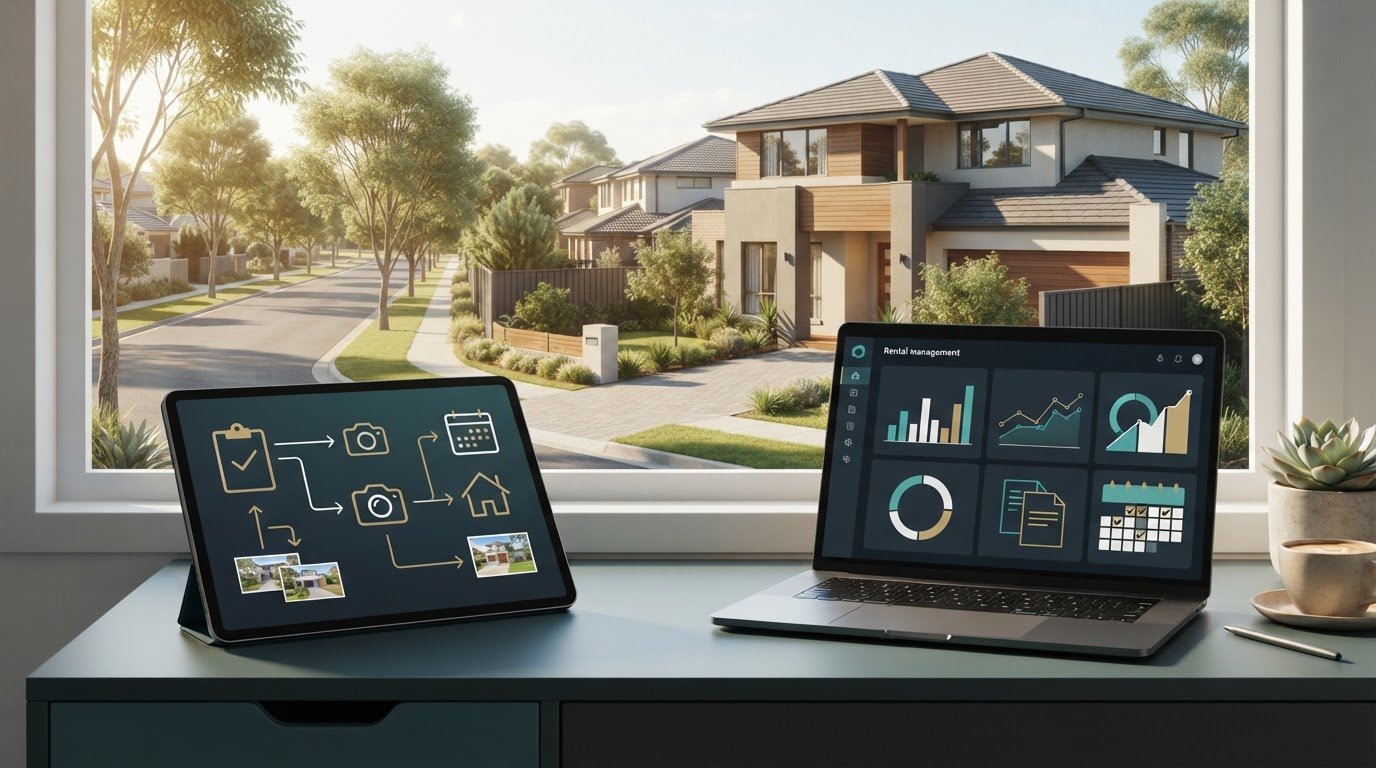
The tool used to arrange property inspections isn’t always the tool that manages the tenancy. When comparing a real estate inspection portal with landlord software, the key difference is purpose: a portal can support inspection and rental workflows, while landlord software helps organise ongoing property records and administration.
It makes sense to want one clear system for rent records, mobile access and the costs of self-management. The right fit depends on your day-to-day tasks: are you coordinating inspections, or tracking cash flow, compliance and rental documents across properties? This guide compares their practical uses and explains what to weigh when managing a rental yourself, so you can match software to your portfolio. You’ll get a clearer view of which functions matter and how landlord software can bring property information together in one dashboard.
Key Takeaways
- Match the software to the job: inspection coordination and ongoing rental administration solve different problems.
- Compare how each option handles rent records, receipts and reminders, not just its inspection features.
- Assess whether cloud and mobile access will make it easier to manage property information while you’re away from your desk.
- Weigh self-management costs against the time and administration involved, using your own portfolio needs to guide the decision.
- Look for Australian-focused tools that help organise property records, cash flow and state-specific compliance tasks.
Rent invoices, receipts and payment reminders
Compare how each system records rent, documents payments and flags overdue amounts. An inspection portal may focus on tenancy tasks, while landlord software can organise broader rental records. The inspect real estate portal vs landlord software decision depends on whether your priority is coordinating inspections or overseeing ongoing tenancy administration.
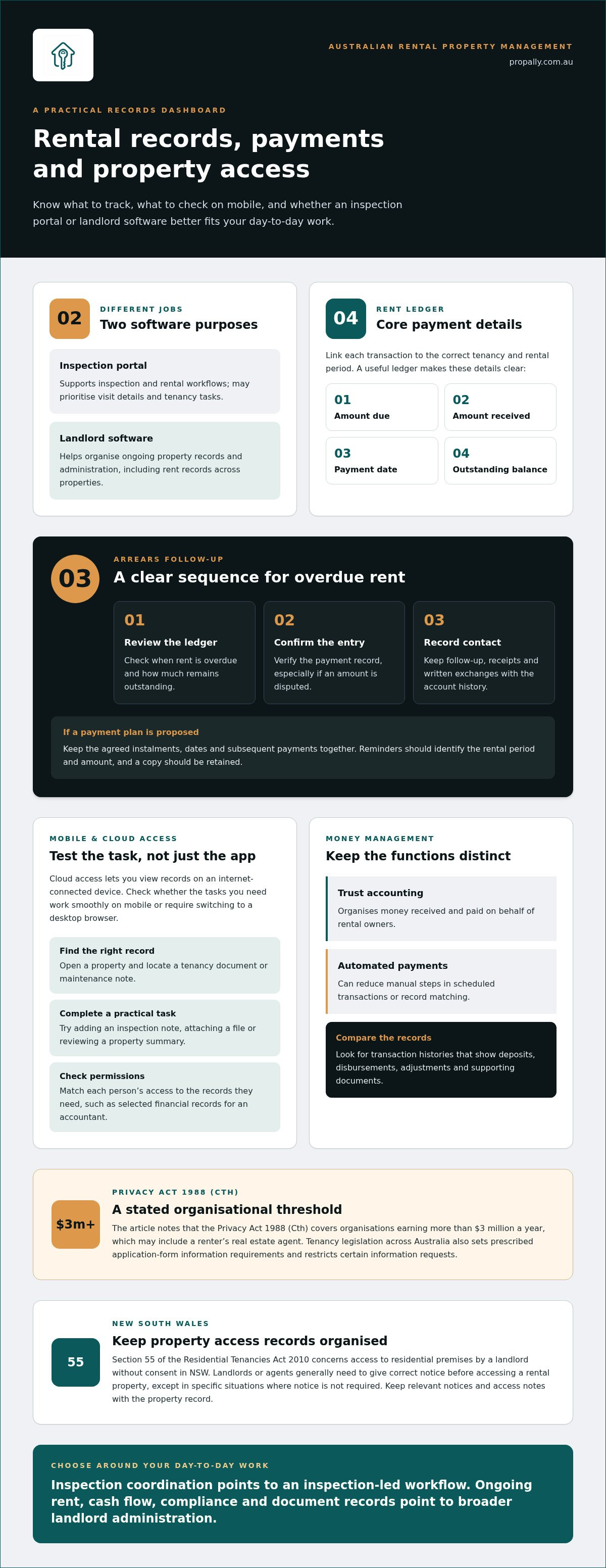
For rental application software, the Privacy Act 1988 (Cth) covers organisations earning more than $3 million a year, which may include a renter's real estate agent. Tenancy legislation across Australia sets prescribed application-form information requirements, restricts certain information requests, and addresses personal information handling standards.
For rent receipts and payments, look for a clear record linking each transaction to the correct tenancy and rental period. A useful ledger shows the amount due, amount received, payment date and any outstanding balance. If a tenant pays only part of the rent, the remaining amount should be easy to identify. Keep notices and payment correspondence with the account history, rather than scattering them across separate files.
Trust accounts and automated payments
Trust accounting and automated payments serve different purposes. Trust accounting organises money received and paid on behalf of rental owners, while automation can reduce manual steps in scheduled transactions or record matching. Examine how the system records deposits, disbursements, adjustments and supporting documents. Clear transaction histories make it easier to reconcile an owner statement with the rent ledger and spot entries that need attention.
Rent collection and processing
Rent collection covers how tenants pay and how transactions appear in the property record. Payment processing concerns the movement and recording of funds. Review payment methods, transaction status updates, processing records and any applicable charges. An inspection portal may handle payment tasks within a tenancy workflow; landlord software may suit owners tracking rent across multiple properties.
Arrears monitoring should show when rent is overdue, how much remains outstanding and what follow-up has occurred. Use a consistent process: review the ledger, confirm the payment entry, then record contact with the tenant. If an amount is disputed, keep the receipt and written exchange with the account record. This creates a timeline without relying on memory or separate message threads.
Payment reminders can prompt tenants before or after a due date, depending on system settings. Keep the wording factual, identify the rental period and amount, and retain a copy of each notice. If a tenant proposes a payment plan, record the agreed instalments, dates and subsequent payments together. A useful inspect real estate portal vs landlord software comparison checks how clearly each system tracks progress against the arrangement, not just whether it sends reminders.
Cloud access and mobile apps
Cloud access lets an owner view property records on an internet-connected device instead of relying on files stored on one computer. A mobile app can help with practical tasks while you’re inspecting a property or travelling between appointments. The inspect real estate portal vs landlord software comparison should focus on what you can do from your phone, not simply whether an app exists.
Start with a realistic workflow. During an inspection, an owner might open a property record, check a previous note, then add a follow-up task before leaving. See whether those steps work in the app or require switching to a desktop browser. A portal designed around inspections may prioritise visit details; landlord software may focus on broader property administration.
Check how the mobile view handles records you need while renting out a property. Can you find the right address, tenancy document or maintenance note without searching unrelated files? Try opening a property, locating a document and returning to the portfolio view. Clear navigation helps when you manage several addresses or need information away from your desk.
Cloud access also makes user permissions important. Identify who can sign in, what information each person can view and how to update access when an agent or authorised person is no longer involved. For example, an owner may need to share selected financial records with an accountant without exposing every property document. Match access settings to each working relationship.
Mobile access depends on more than an app icon. Check whether key records are readable on a small screen, forms are practical to complete and the workflow works with weak reception. If a system makes you repeat steps between mobile and desktop, administration can become less efficient. Test a specific task, such as adding an inspection note, attaching a file or reviewing a property summary.
A practical inspect real estate portal vs landlord software decision starts with the tasks you perform away from your computer. Separate inspection work from ongoing portfolio administration, then compare each system against that list. A portal may suit an inspection-led workflow; landlord software may fit owners organising records across properties. For Australian rental information, organising property records in one dashboard is a relevant next step.
Cloud records can also help owners keep access arrangements organised, but a digital system does not replace the need to follow the rules. Section 55 of the Residential Tenancies Act 2010 concerns access to residential premises by a landlord without consent in NSW. In NSW, landlords or agents generally need to give correct notice before accessing a rental property, except in specific situations where notice is not required. Keep relevant notices and access notes with the property record, and check that authorised users can find them when needed.
Tenants in NSW can complain to NSW Fair Trading if they believe a landlord or property manager has accessed their property unlawfully. In NSW, tenants should contact the NSW Civil and Administrative Tribunal if unlawful access is serious or persistent, or if goods are damaged or stolen. For owners, a clear record of access-related communications makes it easier to review what was shared and when. Choose a system that keeps these records accessible without giving every user access to unrelated documents.
Comparison of inspection software and landlord platforms
Inspection software and landlord platforms address different parts of rental administration. Compare the daily workflows each supports, then choose the system that covers your main tasks without unnecessary overlap.
When comparing popular Australian landlord software options and their prices, consider each platform’s purpose and pricing structure. Costs can depend on portfolio size, included functions, user access and optional document processing, so weigh these against your requirements.
An inspection platform centres on property visits. It may help an agency organise inspection schedules, record condition notes and keep photos with the relevant property file. For an owner, its value is a structured record of what was observed and what needs follow-up. Check whether the workflow connects inspection findings to later tasks, such as arranging a repair or recording completed work.
Landlord software has a wider administrative focus. It can help owners organise information across properties, including cash flow, tax records, compliance tasks and tenancy documents. For example, an investor with rentals in different states may want one view of property records while keeping each property’s state-specific requirements distinct. A platform designed only for inspections may not meet that broader oversight need.
Use this comparison when reviewing a platform or management software:
- Inspection workflow: Can you record observations, attach photos and track follow-up work against the right address?
- Portfolio view: Can you review more than one property without merging separate tenancy records?
- Financial oversight: Does the system organise rental income and property expenses in a way that supports your records?
- Australian context: Can you keep state-specific compliance tasks and supporting documents organised?
- Agency collaboration: Can an agency and an owner coordinate information without duplicating updates?
Next, map each task to the person responsible. An agency might complete inspections, while an owner tracks portfolio cash flow and stores supporting documents. In that arrangement, inspection software can handle visit records, and landlord software can provide the wider administrative view. Avoid paying for duplicate functions unless they serve a clear purpose.
Then test a real workflow before deciding. Take a completed inspection, record an issue, assign a follow-up and locate the evidence later. Separately, open a property record and trace its financial and compliance information. The better fit is the platform that makes priority tasks clear, keeps records connected and reduces avoidable manual work.
Self-management costs and potential savings
Self-management can reduce property management fees, but it transfers administration to the owner. In Australia, property managers charge 8-12% of rental income. Compare that expense with the time, software and practical work required to manage a residential rental yourself.
Start with a clear cost comparison. List the management fee you currently pay, then identify self-management expenses: software subscriptions, document processing, bookkeeping support and your own administration time. An owner handling one rental, for example, may spend less time on recordkeeping than an investor coordinating several properties across different states. Portfolio size and task complexity change the calculation.
Software can support self-management by bringing income records, expenses, compliance tasks and tenancy documents together. It doesn’t replace the owner’s decisions or the work of communicating with tenants. Assess a platform against your actual workload: how often you reconcile records, organise documents, track follow-ups and prepare information for tax time. Avoid paying for functions that don’t fit your portfolio.
Time is a real input. Record the recurring tasks you handle over a typical rental cycle, from setting up records to following up on maintenance. Then estimate how long each takes, without assuming automation removes the task entirely. A system that captures agent statements and organises property data may reduce manual entry; a poorly matched workflow can add steps.
There’s also a trade-off in responsibility. Self-management means coordinating tenant communication, repairs, records and relevant state requirements. Good documentation can help keep decisions traceable, but it won’t prevent every disagreement. For example, a dated repair request, response and invoice can clarify what happened if a maintenance issue later contributes to a dispute.
Use this practical comparison before choosing:
- Estimate management fees: Apply the quoted percentage to rental income for your property.
- Map your workload: List recurring administration, maintenance coordination and tenant communication.
- Include software: Compare relevant functions and subscription costs without assuming every tool includes the same features.
- Assess complexity: Consider the number of properties, locations, records and people involved.
- Review the balance: Compare total outlay with the time and responsibility you’ll take on.
Self-management may suit an owner with time, organised records and confidence handling residential tenancy tasks. A property manager may be more appropriate when day-to-day coordination exceeds your capacity. The useful comparison isn’t simply “fees versus savings”; it’s the cost of support compared with the work you can reliably take on.
What features does landlord software typically include in Australia?
Australian landlord software can bring rental administration into one property record. Features vary, so compare them with your portfolio and workflow. A useful platform may organise cash flow, tenancy documents, compliance tasks and bond evidence. These tools support oversight; they don’t replace the owner’s decisions or specialist advice.
Start with property-level records. Each rental should have a clear place for income, expenses, statements and supporting documents. For example, an investor with properties in different states can keep each address’s records distinct while reviewing portfolio cash flow together. Some systems can read statements from agents or inboxes, helping consolidate information instead of leaving it in email attachments and spreadsheets.
Tax tools can help organise figures for reporting. Look for calculations aligned with Australian Taxation Office requirements and records showing how amounts relate to each property. A practical workflow is to match a statement to its rental, categorise the transaction, then retain the source document. These tools organise information; they aren’t financial or tax advice.
Compliance features should reflect Australia’s state-based rental frameworks. A checklist can help an owner track tasks by property location, with dates, notes and supporting evidence attached. For instance, an investor managing rentals in New South Wales and Victoria needs to keep state-specific tasks separate. Review how the software presents updates and records completed actions.
Bond evidence tools can help centralise documents and related records. A bond authority workflow should make relevant property information and supporting evidence easier to locate. Check whether records can be stored against the tenancy and retrieved without searching through multiple folders. Clear organisation matters when an owner needs to review a bond-related event or reconstruct a timeline.
Use this feature checklist when comparing systems:
- Portfolio cash flow: Review income and property expenses across individual rentals.
- Document handling: Keep agent statements, invoices and tenancy records connected to the right property.
- Australian compliance: Organise state-specific checklists and evidence by rental location.
- Tax records: Track calculations and source documents in a consistent property file.
- Bond information: Store relevant evidence and related workflow records together.
Choose based on the gaps in your current process. If spreadsheets, email and separate folders make it difficult to see a property’s financial position, prioritise connected records and portfolio oversight. To bring Australian rental cash flow, compliance and bond evidence into one view, organise your rental property records.
Inspection tracking can be a useful addition to a compliance checklist. Routine inspections of Australian rental properties are usually conducted every 3 to 6 months, depending on the state. In Western Australia, landlords may conduct a maximum of 4 routine inspections per year and must give 7 to 14 days’ notice. A system that records inspection dates, notice details and supporting documents can help keep the tenancy history organised.
In South Australia, landlords may conduct a maximum of 4 routine inspections per year, following reforms that took effect on 1 July 2024. For Victorian rentals, the Residential Tenancies Act 1997 sets out what a notice of entry must contain under section 88. Check whether the software lets you record the applicable requirements and retain evidence of notices sent, rather than relying on a generic reminder for every property.
PropAlly: Starter Plan
PropAlly brings Australian rental property records into a dashboard for tracking cash flow, tax, compliance and bond evidence. The Starter Plan is a practical next step if you want to organise these records beyond an inspection portal. For portfolios spanning properties or states, PropAlly can consolidate information from agent statements and inboxes, with state-specific compliance checklists and bond authority workflows.
Its ATO-aligned tax calculations help organise property information, but PropAlly doesn’t provide financial or tax advice. Choose the Starter Plan or Business Plan according to the level of organisation your portfolio needs. To bring rental records together, visit propally.com.au.
Set up a system that fits your next move
Map the property tasks you want to manage yourself, then choose software around that workflow. If you’re still weighing an inspection portal against landlord software, focus on the records and decisions you need to manage beyond inspections. A useful system should fit how you oversee your Australian rentals today and remain practical as your portfolio changes.
PropAlly offers the Starter Plan, Pro Plan and Business Plan. Consider which plan fits the way you organise rental property information. A clear starting point can help bring financial records and property administration into a consistent routine.
Discuss your property software needs with PropAlly and take the next step with confidence.
Frequently Asked Questions
What should Australian landlords consider when choosing between an inspection portal and landlord software?
Choose based on the work you need the system to support and who will use it. If an agency handles inspections, an inspection portal may cover that task; if you manage records yourself, landlord software may better suit broader administration. Before deciding, test how easily you can export your records and transfer them if your arrangement changes. For example, an owner moving from an agency-managed tenancy to self-management needs usable property records, not just inspection files.